Everything it does, in plain words
Konsole keeps your website safe on your computer and takes it to your server when you say so.
Your site, on your computer
Everything here works on the free plan, for up to 3 sites.
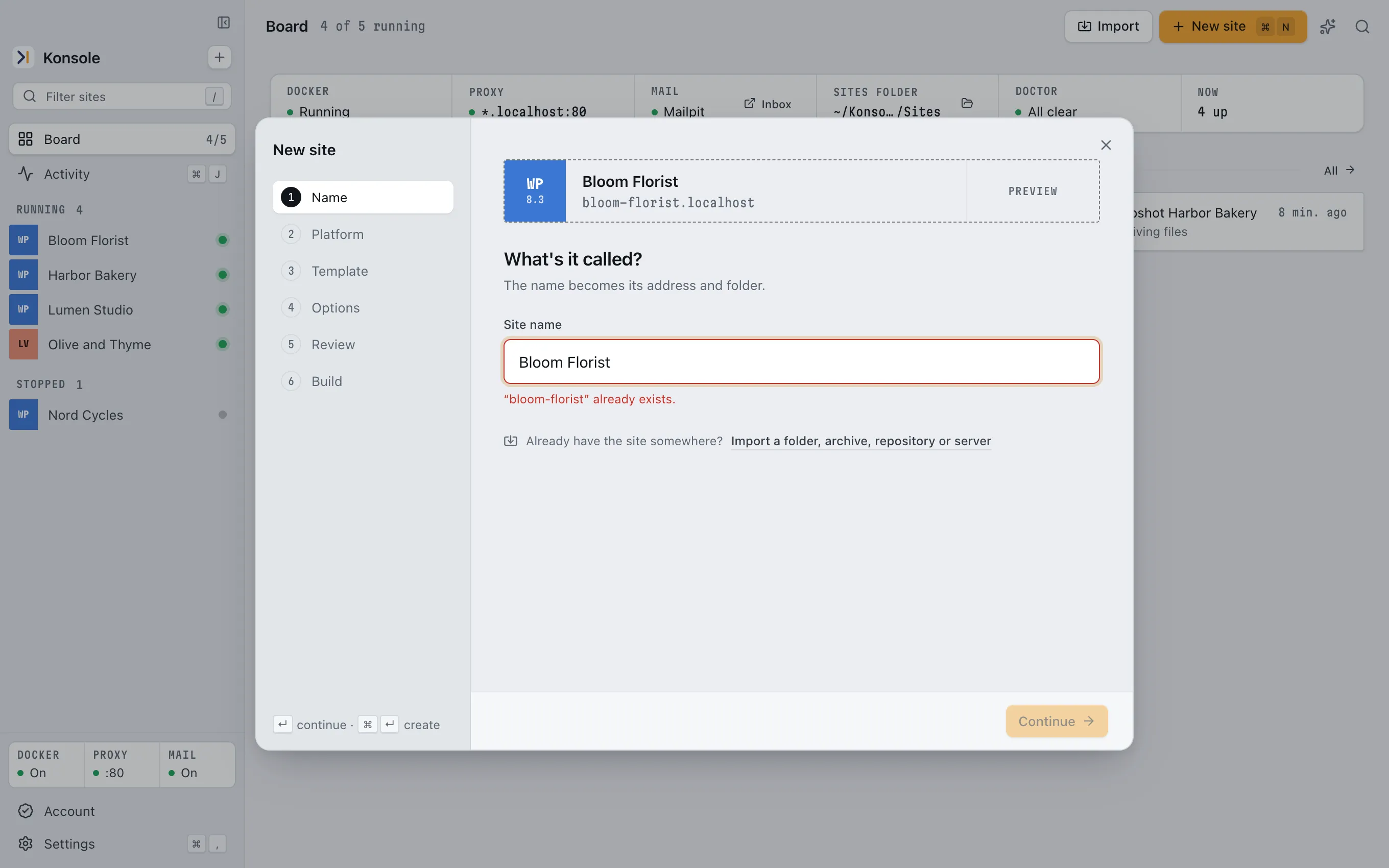
A new site in a few clicks
Give it a name and Konsole sets up WordPress, the database and an address like bloom-florist.localhost. No hosts file, no admin password.
FreePlugins, themes and users
Install, update and switch them from Konsole, or straight from the wordpress.org directory.
FreeSecurity warnings
Konsole checks your plugins, themes and WordPress itself against public security databases and tells you which version fixes each problem.
FreeRestore points
One click saves the files and the database. Go back whenever an experiment goes wrong.
1 per site freeEmails stay on your computer
Contact forms and shop orders send their emails to a private inbox in Konsole, never to real people.
FreeInto WordPress in one click
Open the dashboard already logged in. No passwords to remember.
FreeThe database, without phpMyAdmin
Import, export and browse it. Addresses are fixed for you when you bring a site in.
FreeShow the client
Share a public link to the site on your computer while you keep it on.
1 h a day freeAn assistant for the boring parts
Ask it to update plugins, add users or find an error. It works with your own AI account.
20 a day free
The road to your server
For people who look after real websites. Pro, with a 7-day free trial.
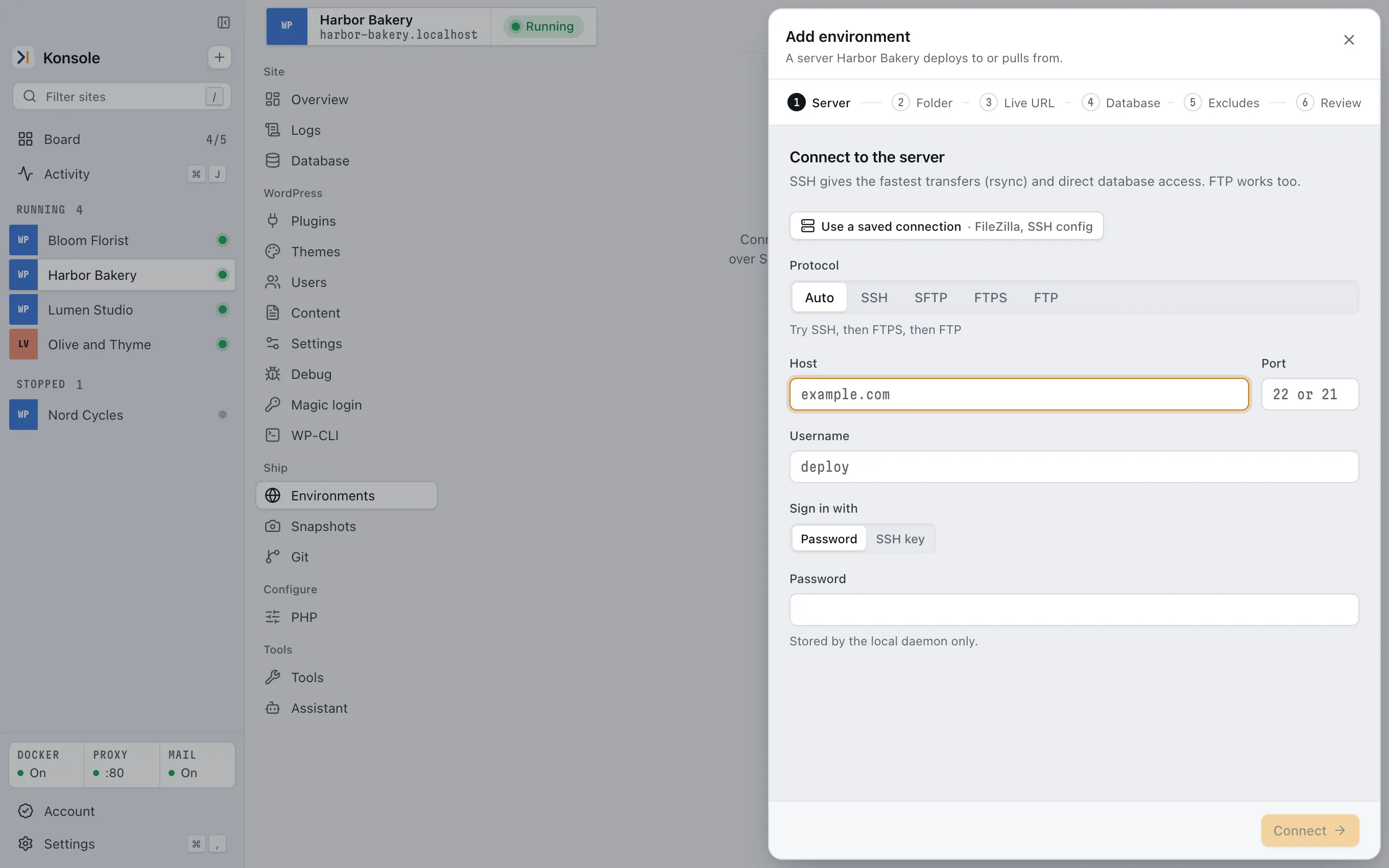
Bring a live site home
Connect over FTP, FTPS, SFTP or SSH. Konsole copies the files and the database and fixes the addresses so the copy runs on your computer.
ProYour saved servers, already there
Konsole can read the connections you saved in FileZilla, WinSCP or your SSH settings.
ProSend changes back
See the list of files before anything is uploaded, then send only what changed. A dry run comes first if you want one.
ProPull the latest from the server
Get the live files or database back onto your copy when the client changed something.
ProClone a site
Make a twin of a site to try something bigger without touching the first one.
ProUnlimited sites and restore points
No limits on how many sites you keep or how many restore points each one has.
Pro
If you are a developer
The same app, with the parts you'd look for.
- Two ways to run a site
- Docker with plain Compose files you can read, or native, with no Docker at all. Pick per site. Docker sites run on Docker Desktop, OrbStack or Konsole Engine, Konsole's own Docker, which needs neither.
- Stacks
- WordPress, PHP, Laravel, Symfony, Drupal and static sites. PHP 8.1 to 8.4 per site, Xdebug on Docker sites.
- Addresses
- Every site answers at name.localhost. No hosts file edits, no admin password.
- Servers
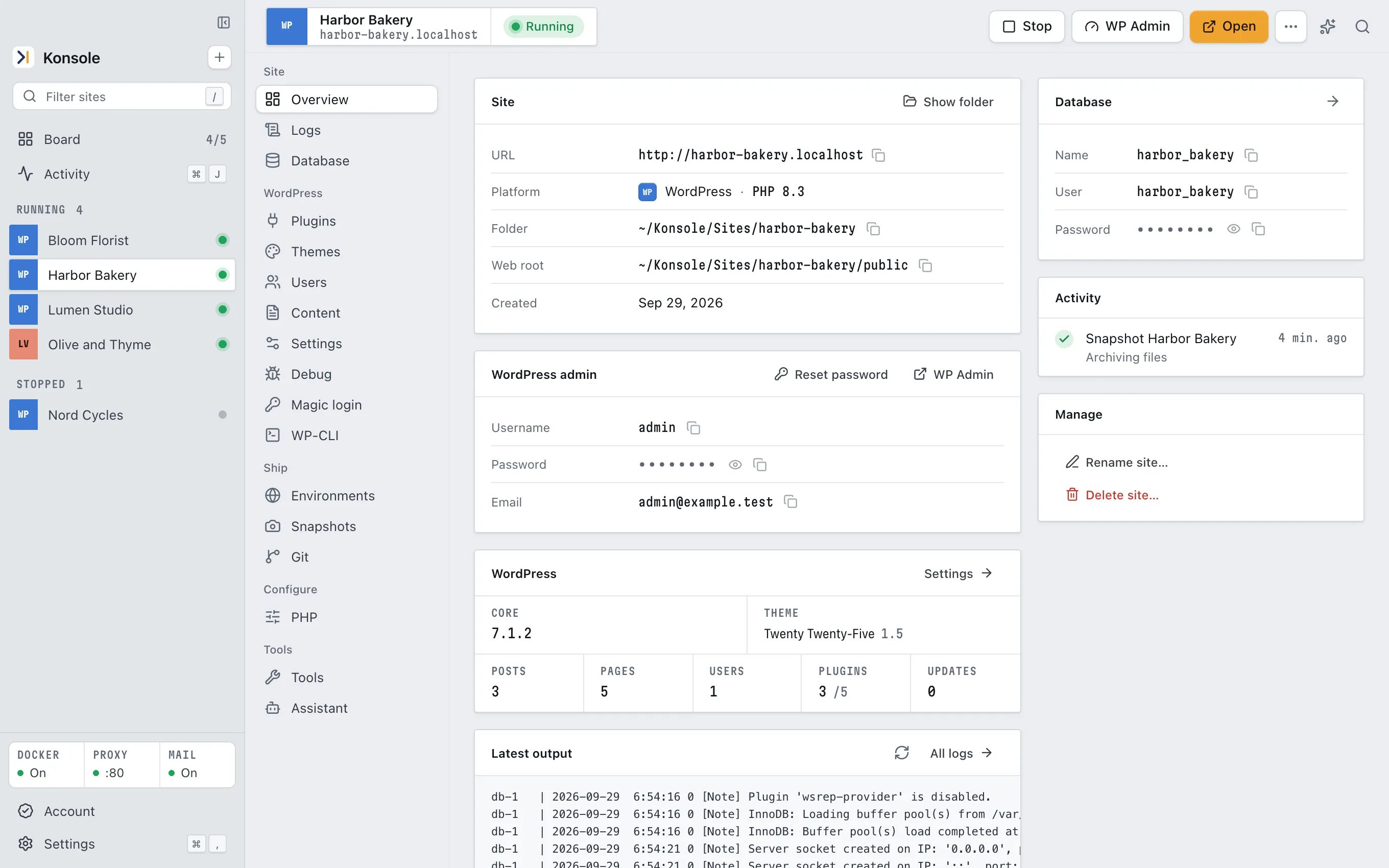
- Environments over SSH, SFTP, FTP and FTPS with push, pull, deploy and a dry run first. Git built in.
- Terminal and AI agents
- A konsole command line and an MCP server, so Claude Code, Codex or Gemini CLI can work on your local sites.
Try it on one of your sites
Free for 3 sites on your computer. Bringing sites from a server and sending them back is Pro, with a 7-day free trial.